KullGames . ImageTool . Milestone 4.1
Turn a flat photo into a spinning 3D model.
Click one pixel of a subject. The tool magic-wand seeds it, runs GrabCut to prop the whole object off its background, inflates that flat silhouette into a rounded, watertight solid with the classic Teddy method, orbits a camera around it to bake a turntable GIF, and exports the mesh as STL + OBJ/MTL/PNG. No neural net, no depth sensor, no multi-view rig - just classical geometry, written entirely in C# against nothing outside the .NET base class library.
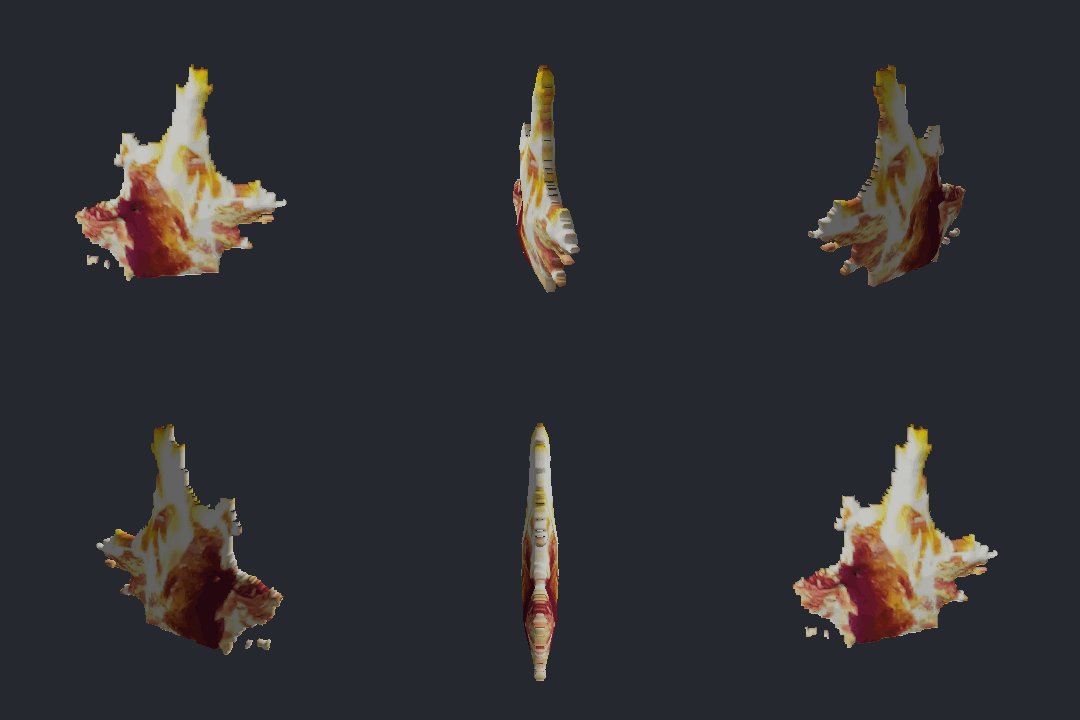
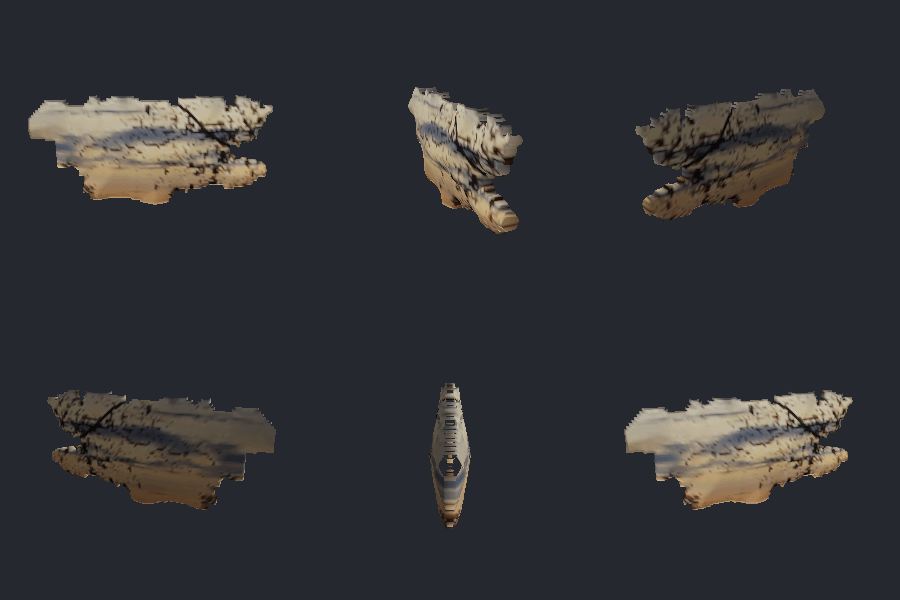
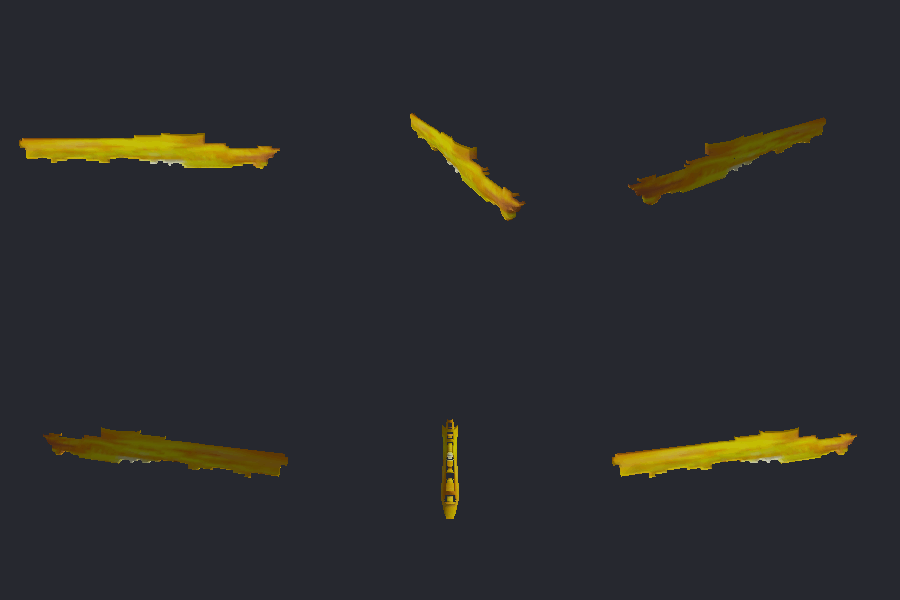
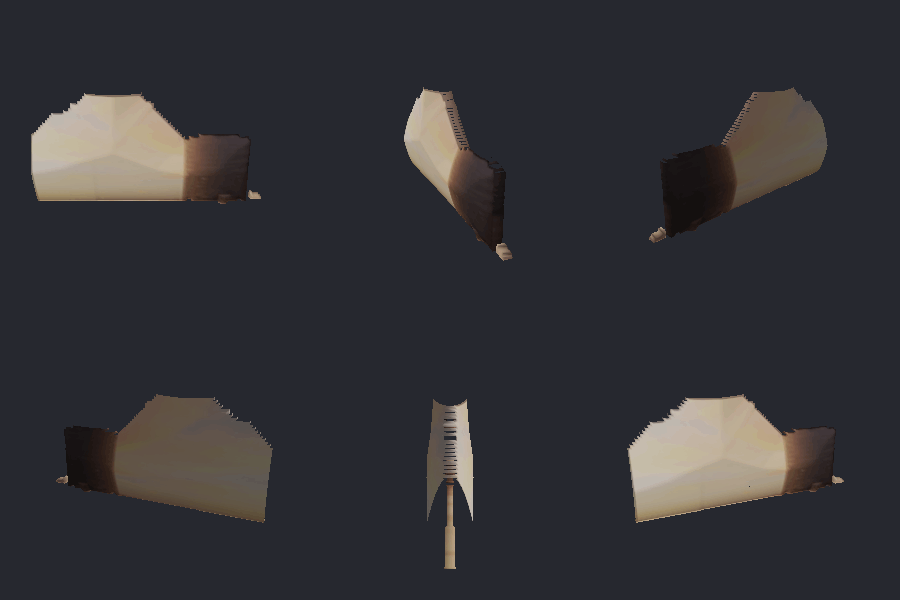
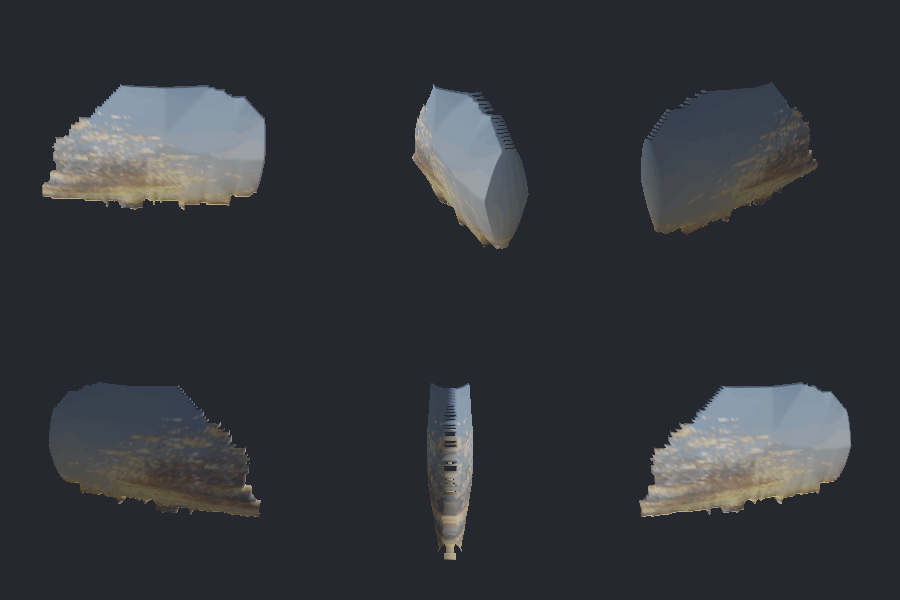
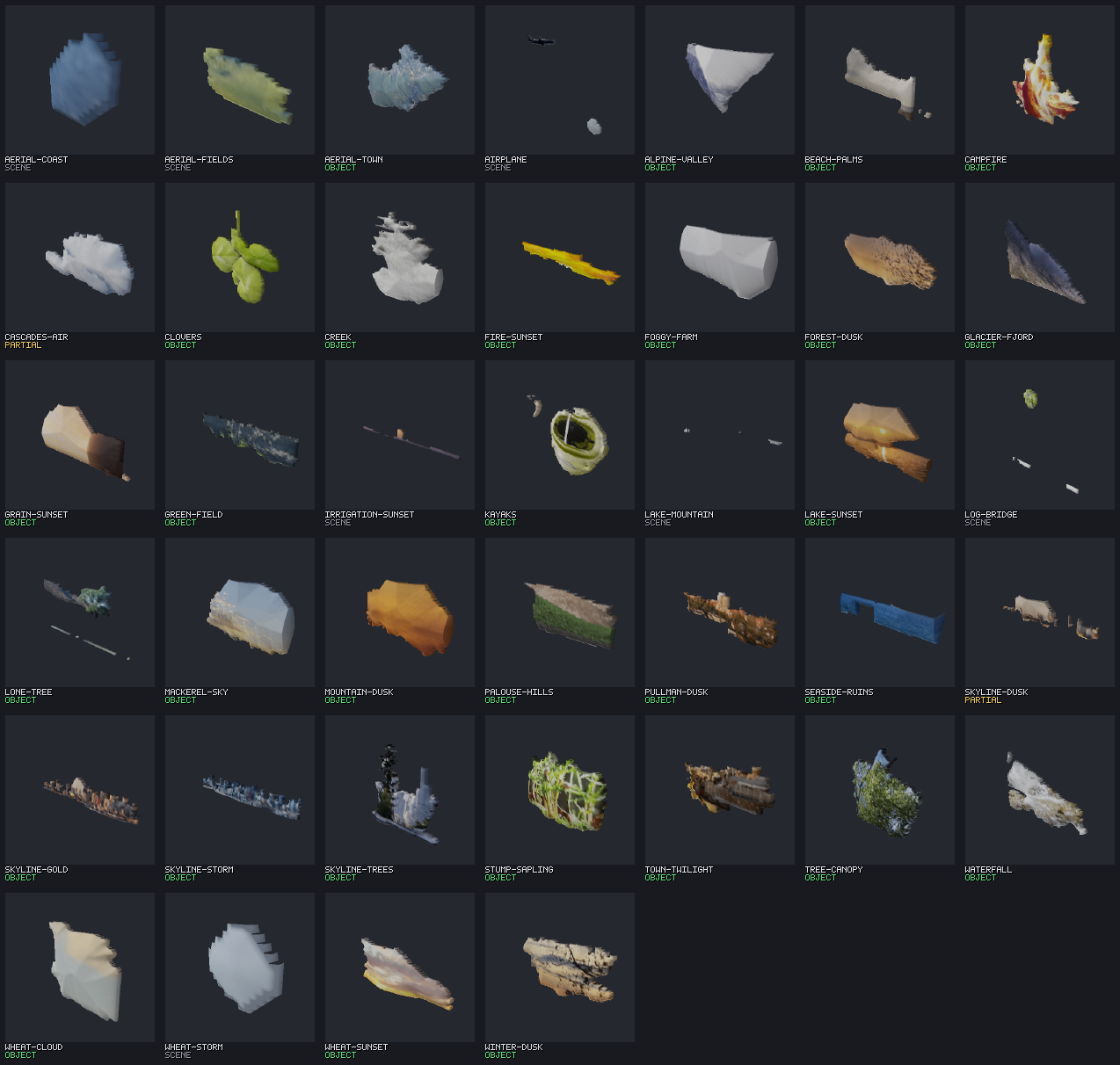
Everything below is a fresh render from this run. The 39-photo unattended batch swept the whole folder in 120.2 s (3.1 s/image, single-threaded): 30 graded a compact OBJECT, 2 partial, 7 honest scenes - every GIF round-trip verified, every mesh exported to STL and OBJ.
The pipeline, on screen
Watch a photo become a solid.
Each stage of the pipeline emits a real image, so the whole path is legible - not a black box. Left to right: the selection, the cut, and the spin.



Renders
Cut out, inflate, spin - across a whole folder.
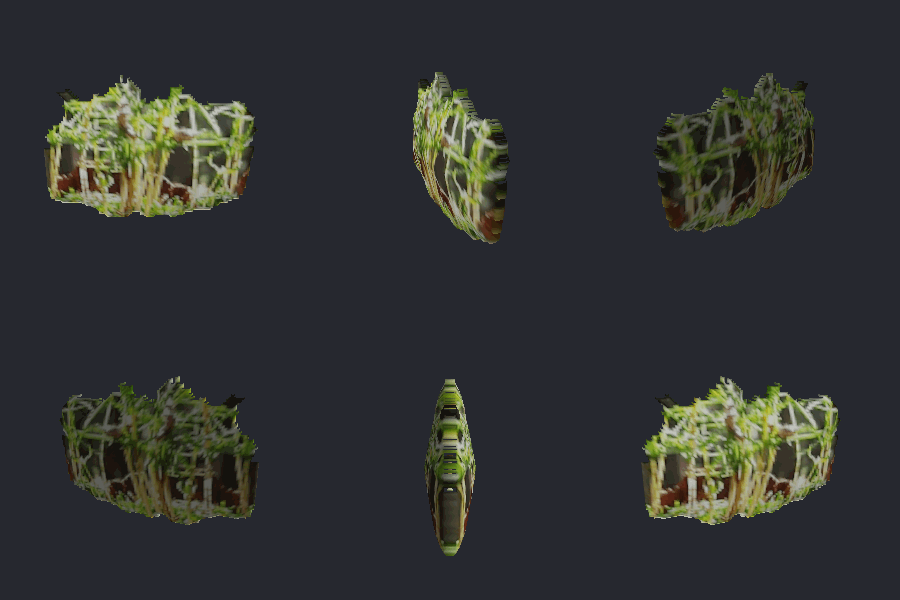
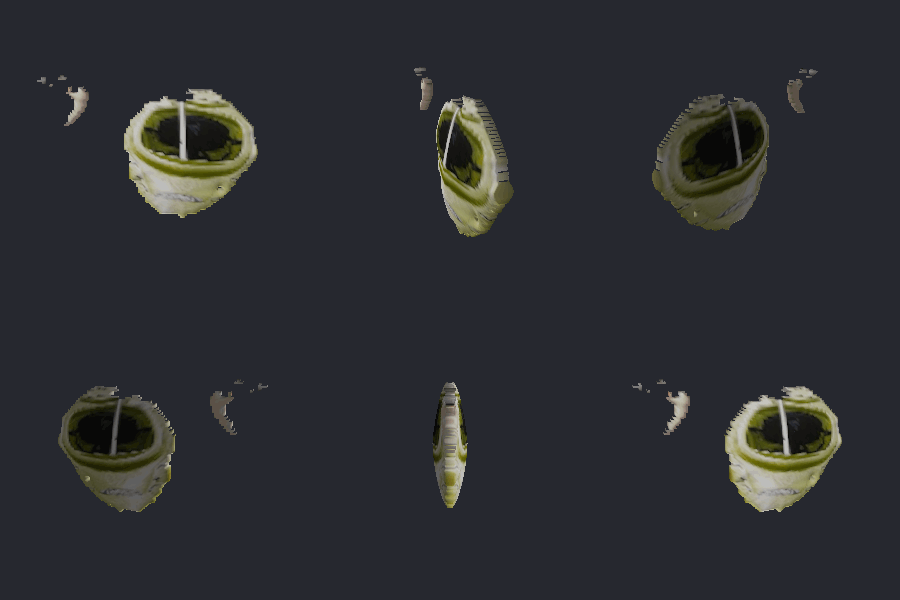
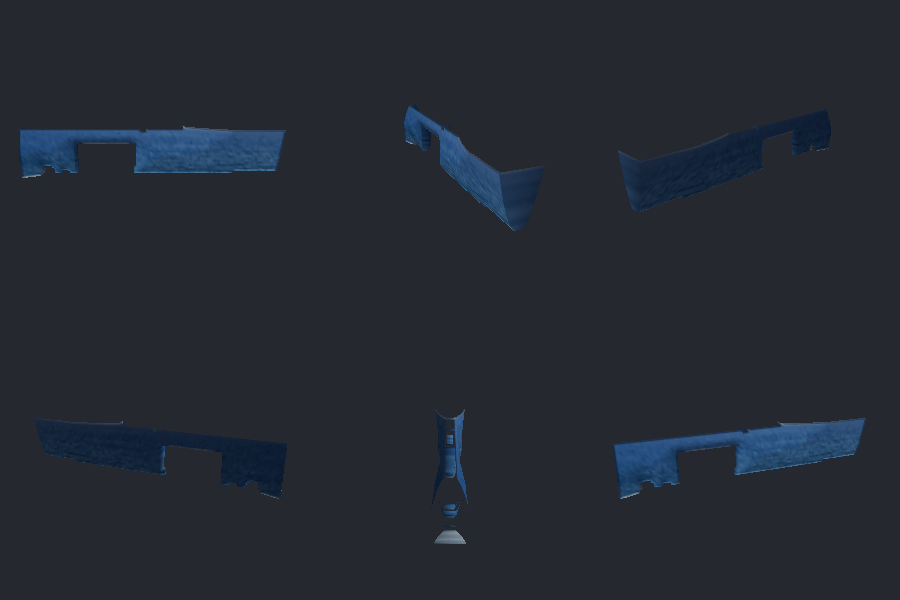
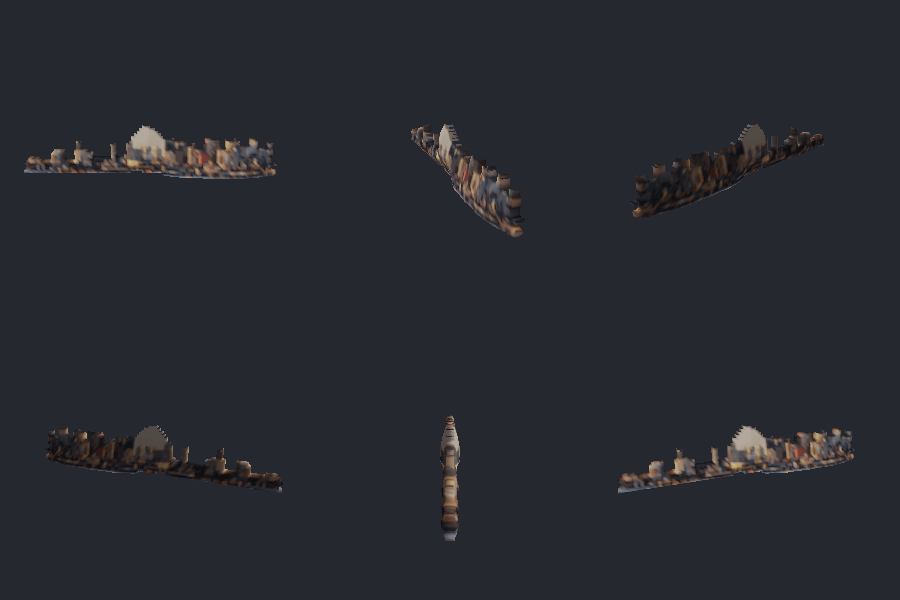
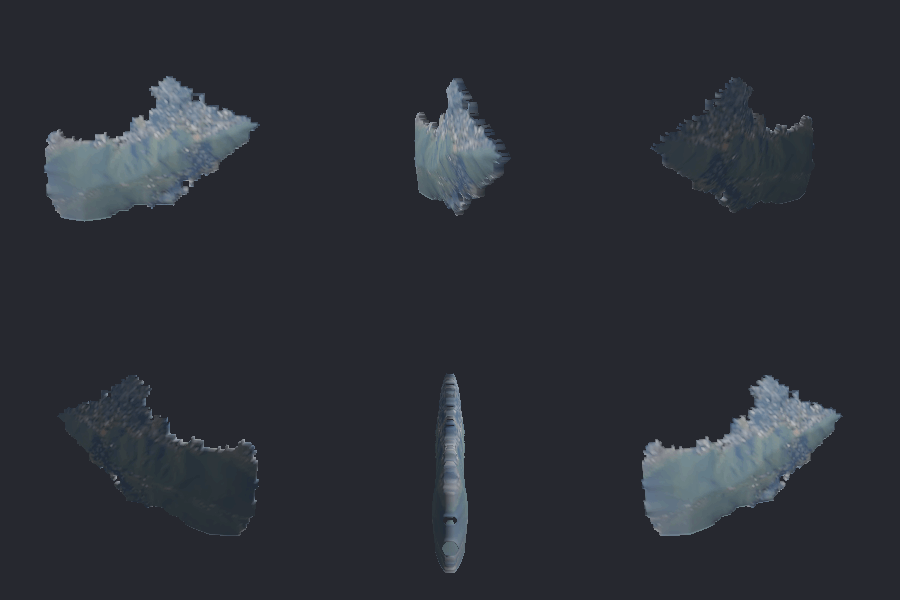
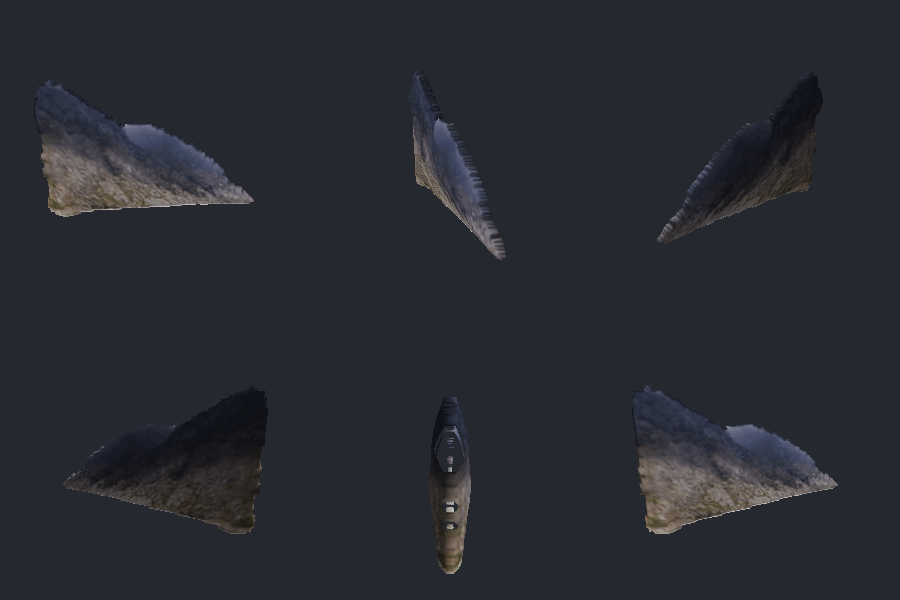
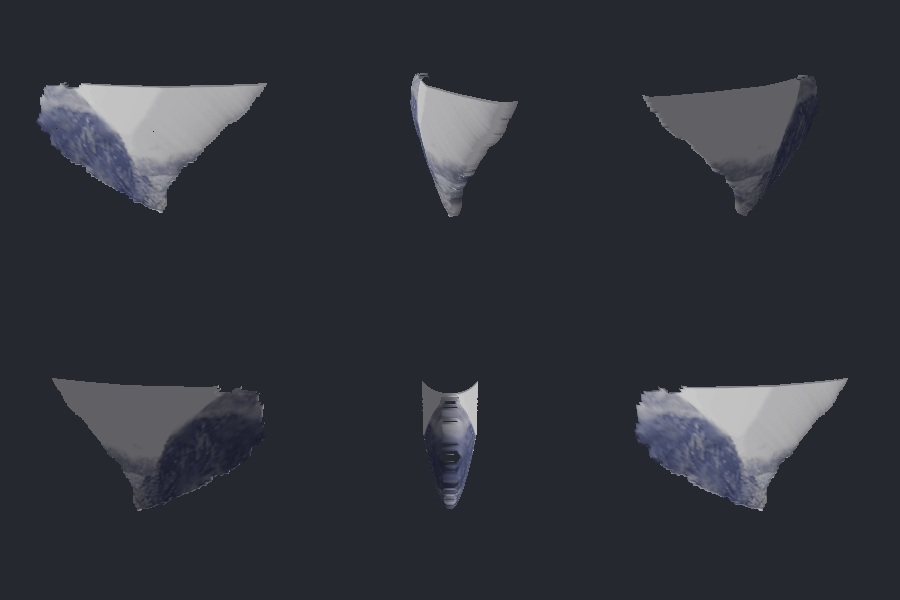
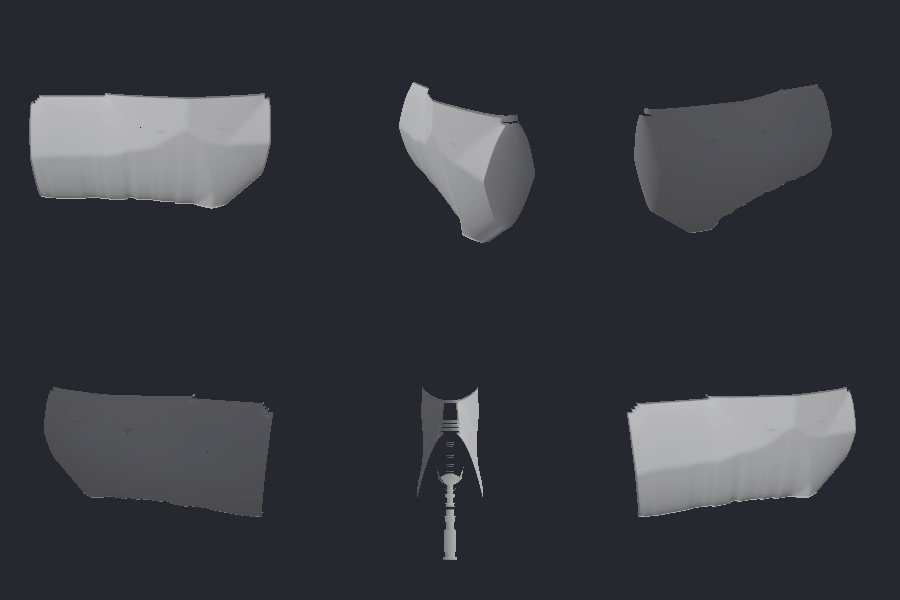
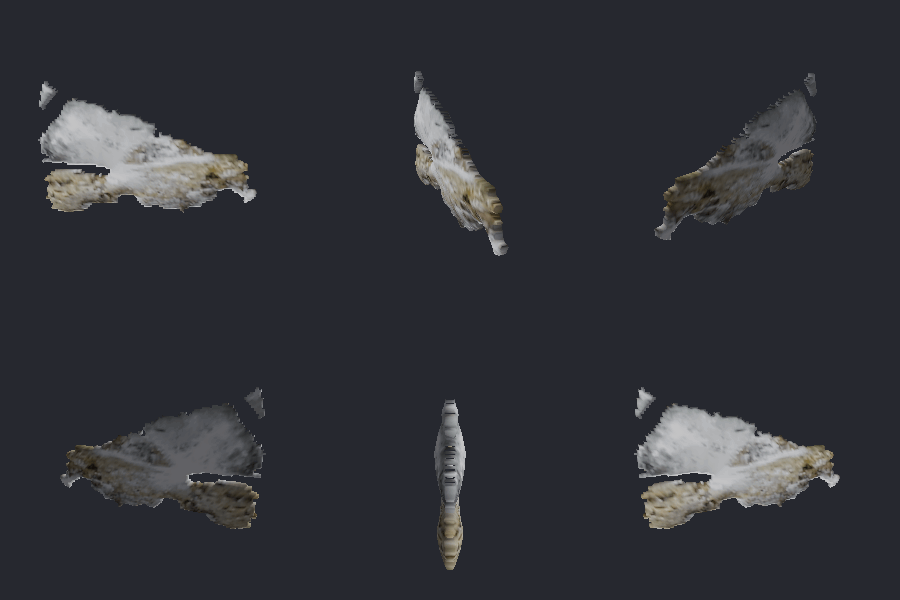
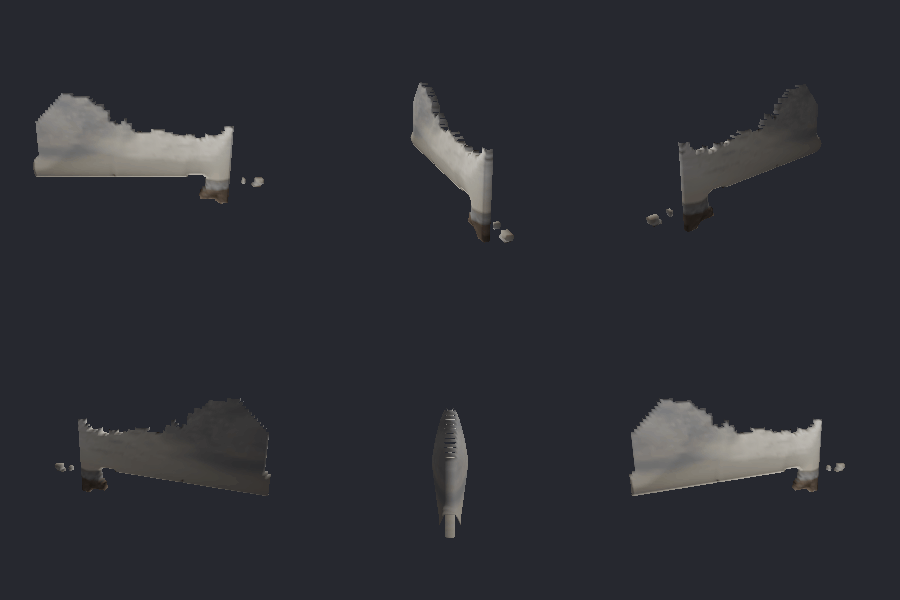
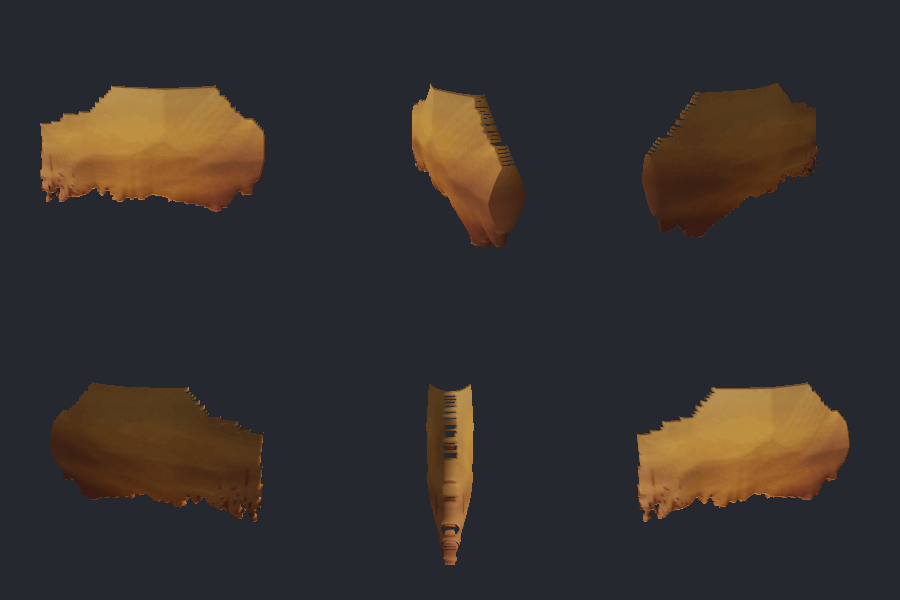
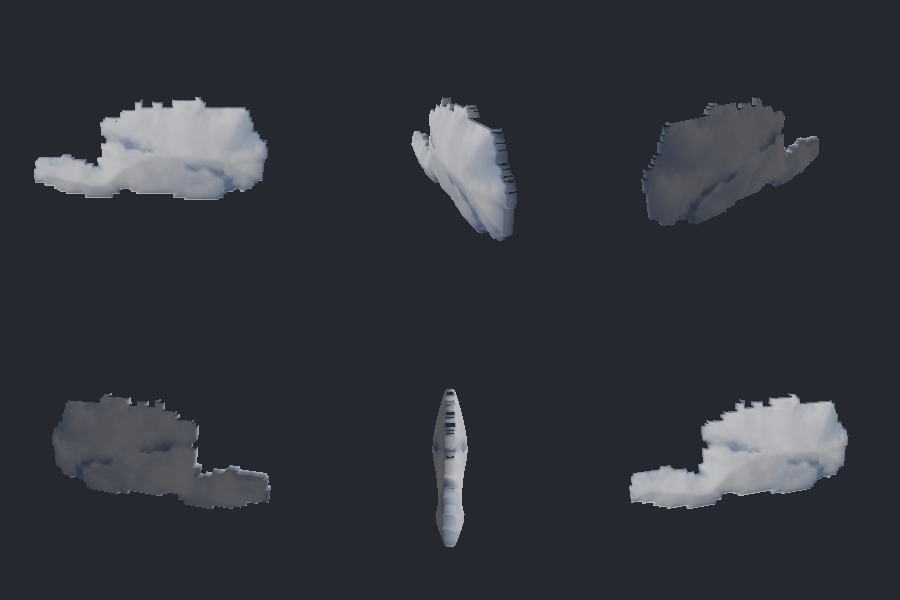
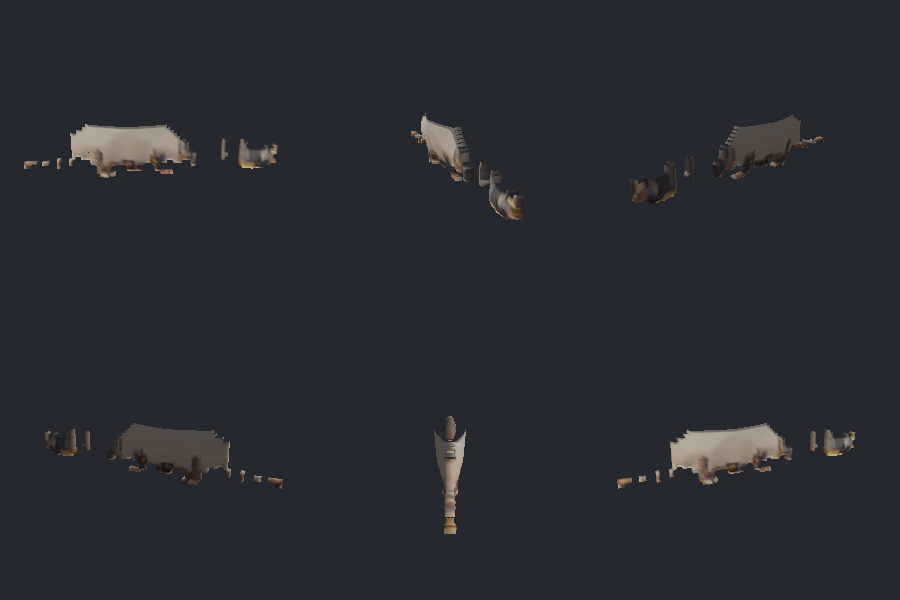
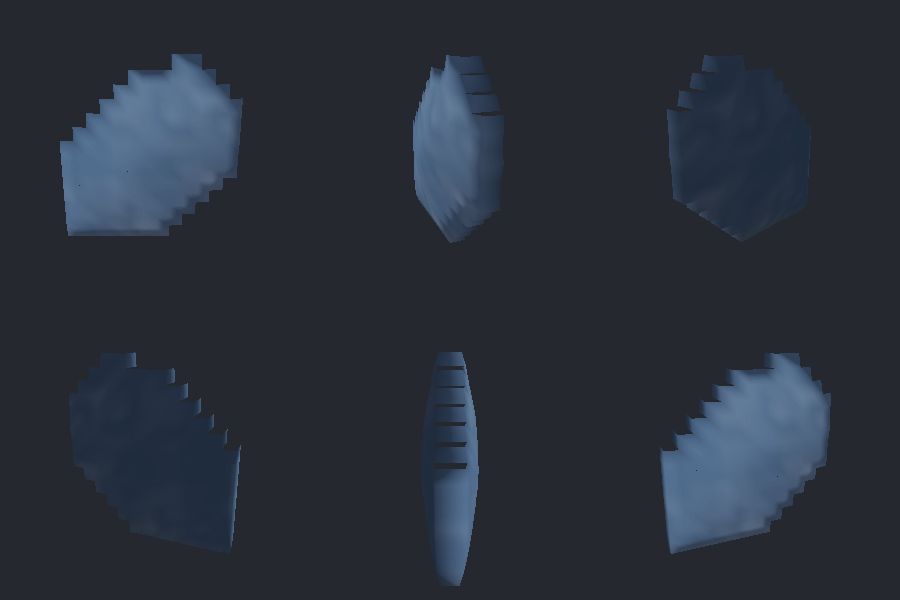
Every tile is a real turntable from the unattended batch: an ordinary JPEG, auto-seeded with no click, cut out, inflated, and spun. Each carries the honest grade the batch driver assigned it - green OBJECT (a compact solid), amber PARTIAL, grey SCENE (a landscape with no clear subject, inflated into an abstract colour relief and labelled so).

Batch, unattended
Thirty-nine photos, zero clicks.
Point model3d-batch at a folder and it auto-seeds each photo with a
border-prior saliency cue, runs the same GrabCut -> Inflate -> Turntable pipeline, and
exports a mesh per image. Then it bakes two "see everything at once" artifacts and prints an
honest per-image verdict table.
Exports
Every mesh is a real, printable file.
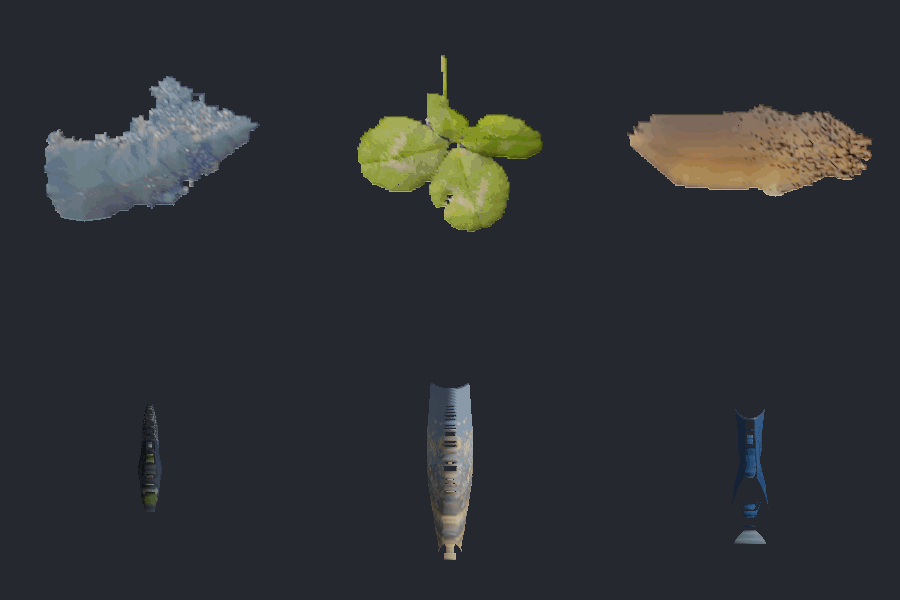
The turntable is only the preview. Each inflated solid is written as binary STL and as OBJ + MTL + texture PNG - watertight, per-vertex coloured, and openable in any slicer (Cura, PrusaSlicer, Bambu) or mesh viewer (MeshLab, Blender, Windows 3D Viewer). Download the actual files this run produced:
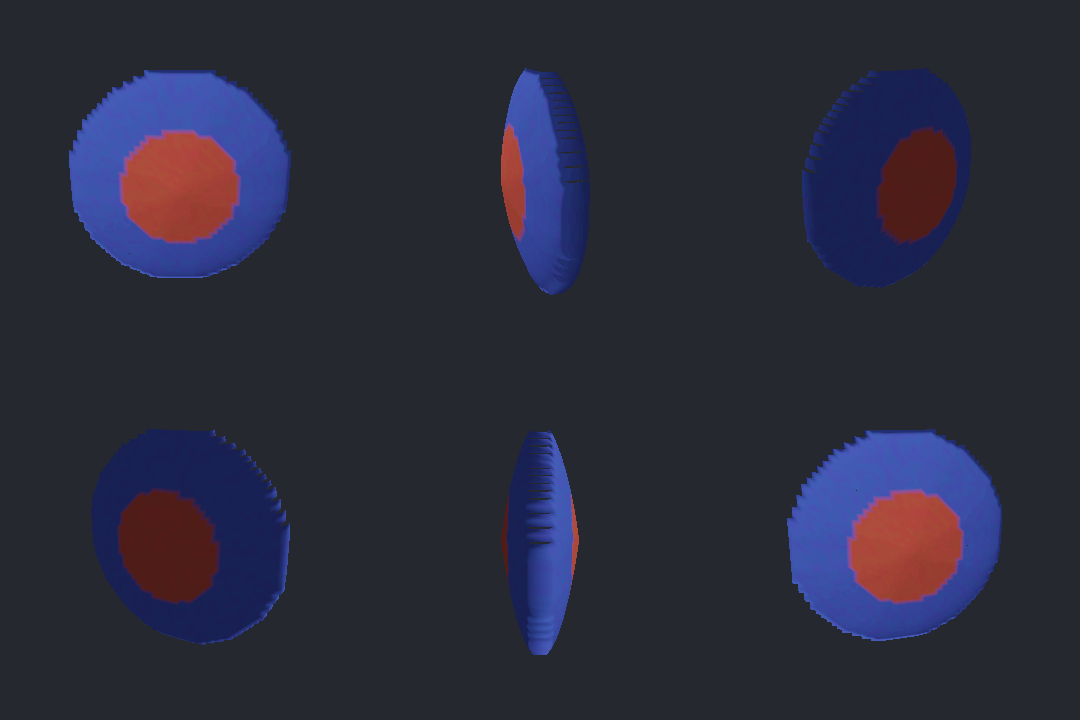
- discbinary STL, 6,300 tris, watertight.stl 308 KB
- discOBJ mesh (pair with disc.mtl + disc_texture.png).obj 582 KB
- disc texturethe cutout the OBJ maps via map_Kd.png 6 KB
- disc materialMTL linking the texture.mtl 51 B
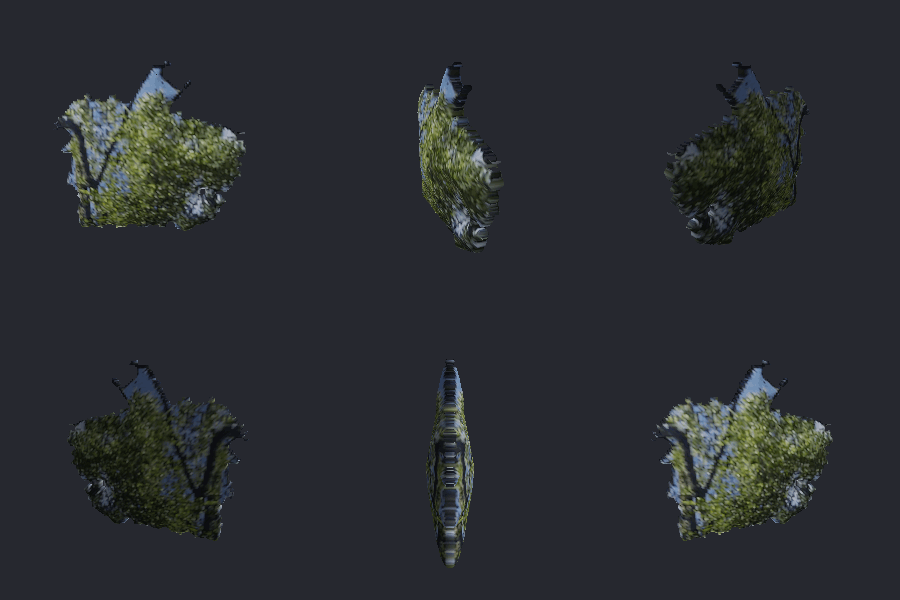
- campfirebinary STL from a real photo, 17,976 tris.stl 878 KB
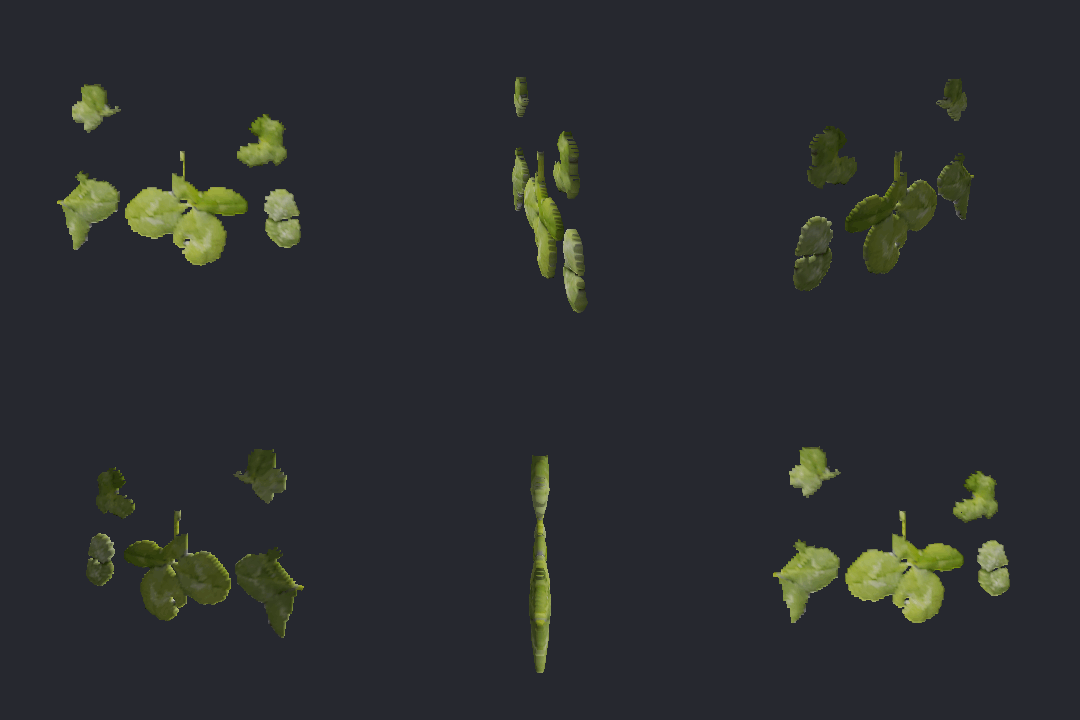
- cloversbinary STL, disconnected leaf medallions, 9,944 tris.stl 486 KB

Binary STL has no magic number, so a file sniffer reports "data" - that is expected; the byte
size is exactly 84 + triangles . 50. Keep the OBJ, MTL, and texture PNG together
in one folder so the photo maps on via the MTL's map_Kd.
Also in the box
Straight lines and geometric shape.
The same classical toolkit powers a recognition layer: a from-scratch Hough transform finds straight lines over Canny edges, and a shape descriptor (convex hull, rotating calipers, PCA axis) sorts a mask into TallThin / Wide / Round / Irregular. It reports geometry, not identity - it says "tall and thin", never "a person".

How it works
Four classical steps, no learned model.
h = Thickness . s . sqrt(dt . Dmax) - the square root gives a sphere-like profile, so wide areas bulge tall and thin areas stay flat. Grid-mesh the front and back, then stitch a side wall into one closed, watertight solid.
Honest scope
A relief, not a reconstruction.
This is a single-image inflation: the back is a mirror of the front and the sides the camera never saw are smoothly invented. It is convincing head-on and in a gentle spin, not a metrologically correct model - the honest nature of any single-snapshot method that does not hallucinate hidden geometry. Quality rides entirely on the cutout: a clean mask gives a clean solid, a landscape with no subject gives an abstract colour relief - and the batch grader says which is which, out loud, on every tile.
The technique is Teddy (Igarashi, Matsuoka & Tanaka, SIGGRAPH 1999); the segmenter is GrabCut (Rother, Kolmogorov & Blake, SIGGRAPH 2004). Both are reimplemented from scratch in pure C# over the OnlyCSharp library, against nothing outside the .NET base class library.